 v.7
v.7
Make sure your connection is secure ("httpS:" instead of just "http:"). Click the logo above for a secure connection.
v.7
Make sure your connection is secure ("httpS:" instead of just "http:"). Click the logo above for a secure connection.
Published on: 01/20/2026, 12:32 PM by Software Developer
Here is how to use the Link Shortener, where you can Add, Edit or Delete long links.
In the CMSbyCW Package, both user roles, Admin and Editor can Create, Add, Edit and Delete long links.
For this example, login as an Admin
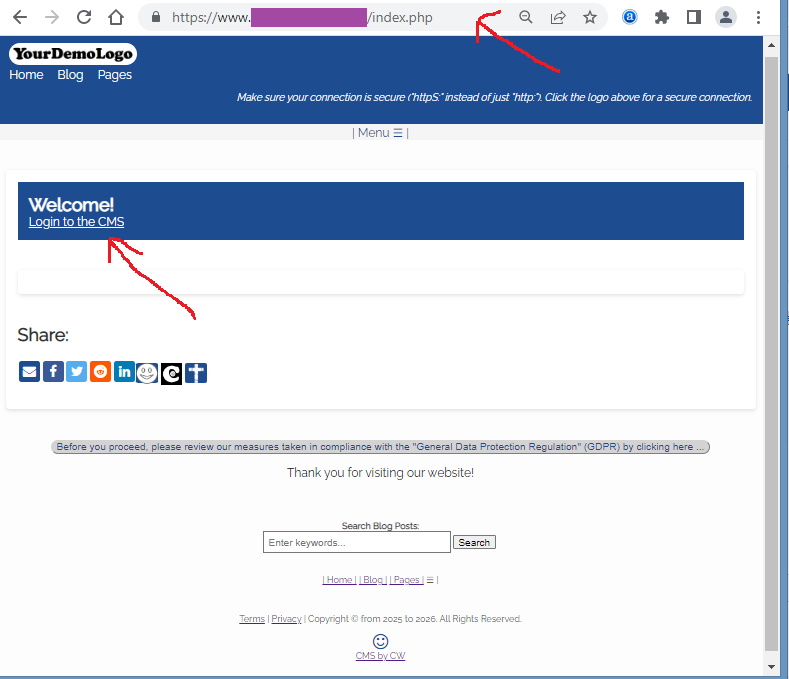
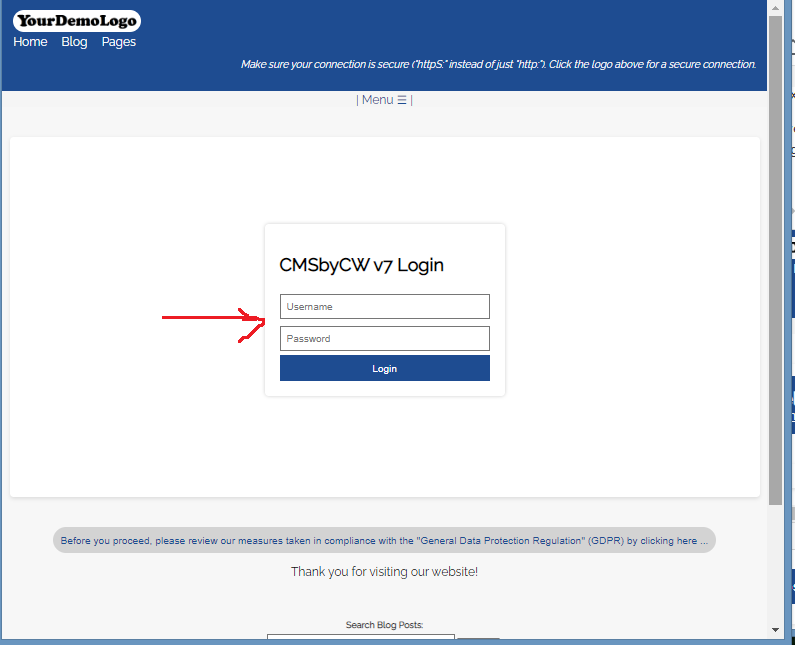
Just type your Admin Username, Password, and click the Login Button
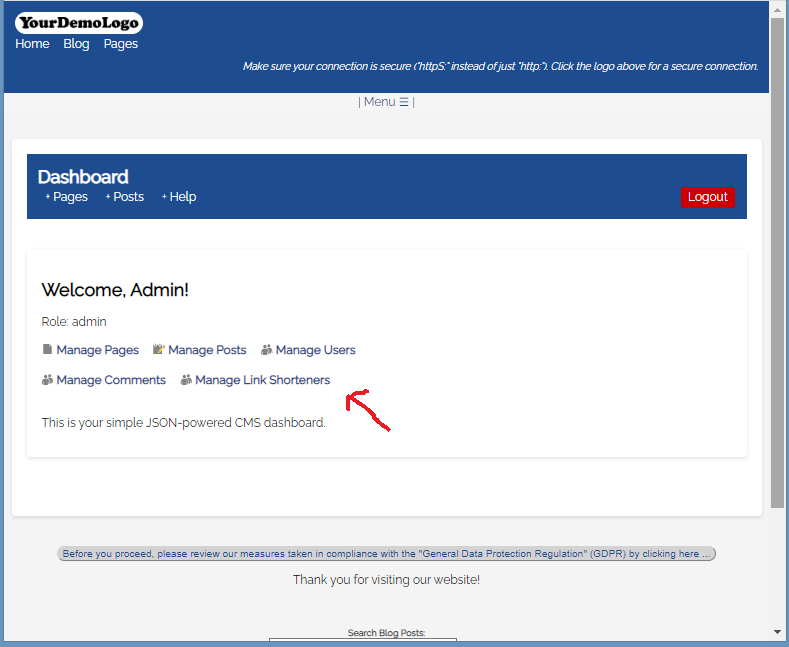
(Notice that I have also included a "Help" link in the Dashboard header, so you always have a direct link to the CMSbyCW documentation or FAQs, in case you need that resource).
4.1) Add the Long URL on the field
4.2) Optionally, you can type what the shortlinks text should display
4.3) Or, you can let the Link Shortener create a 6 character count shortlink
4.4) The Shortlink would display on the table below it.
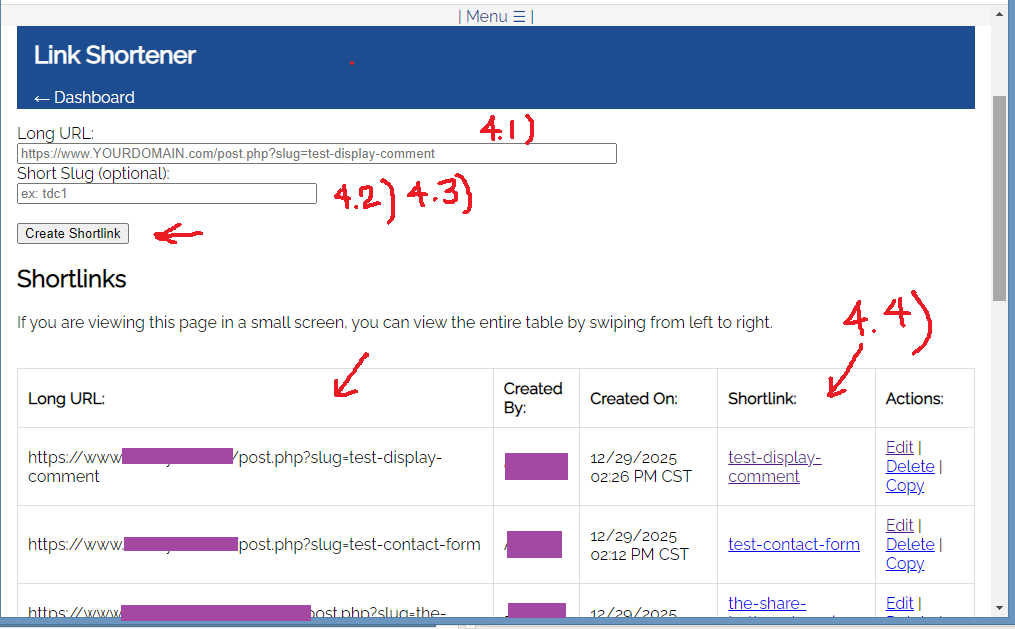
For example: " YOURDOMAIN . com / d456fe" on the Short Slug field (4.2) This may be useful for those Users who want to shorten their long affiliate links. .
Help Page for other Documentation or Tutorials:
Thank you for visiting our website!